Wait, Did You Write This With AI? — How to Actually Deal With AI Checkers
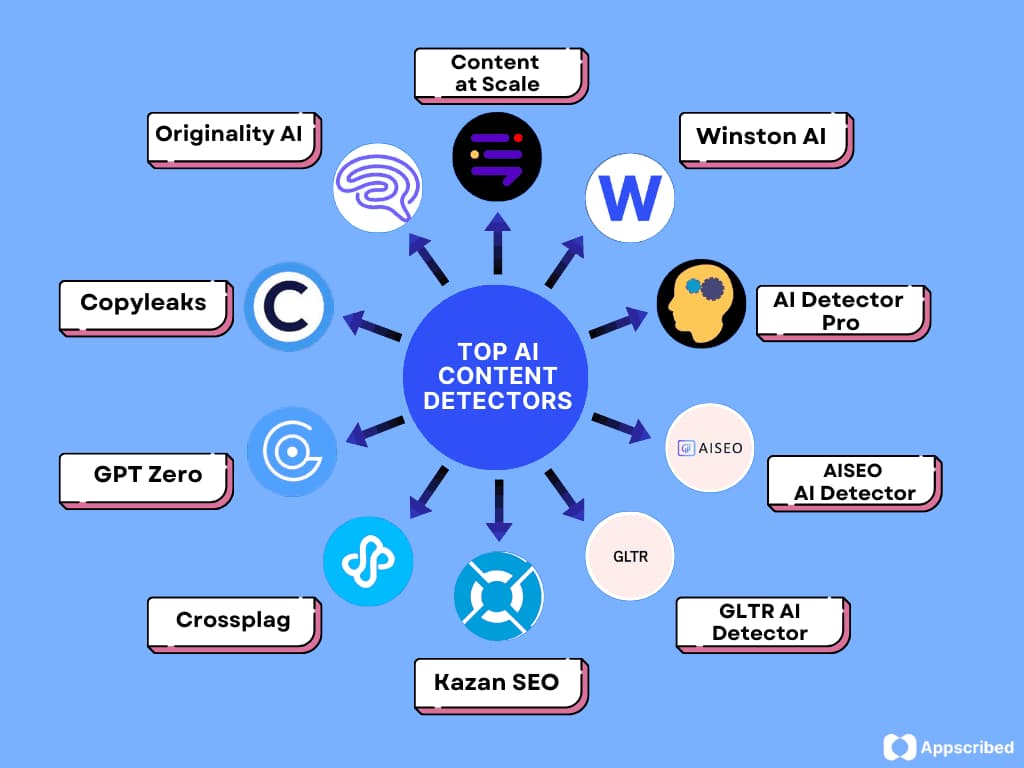
Be honest for a second — has anyone ever looked at something you wrote and gone “hm, this feels kinda AI”? Happened to me once with a piece I wrote completely by hand. I was genuinely annoyed. Like, offended almost.
On this page
Table of Contents
On this page
Table of Contents
That’s just where we’re at now. Generative AI is everywhere, so everyone’s suspicious of everything. Students get accused of using ChatGPT on essays they actually wrote themselves. Writers get side-eyed by editors. Companies are stuck double-checking internal docs before they go out. And the tool everyone’s reaching for to sort this mess out? An aiチェッカー — basically software that tries to guess whether a human or a machine wrote something. This post is me walking through what these tools actually do, when they’re useful, and where they fall apart, based on stuff I’ve run into myself.
What’s Actually Happening Under the Hood
Okay so, simplified version: an AI checker looks at patterns in your writing — sentence structure, word choice, how predictable the phrasing is — and tries to guess “human” or “AI” based on that. AI models tend to write in fairly consistent, low-surprise patterns, so detectors are basically hunting for that flatness.
Here’s the annoying part though — accuracy is all over the place depending on the tool. Some are decent in English but fall apart completely in other languages. So picking a random detector off Google is kind of a gamble.
Who Actually Needs One of These
- Students — checking a paper before submission so it doesn’t get flagged by mistake
- Teachers — using detection as one data point (not the whole verdict) when reviewing assignments
- Writers and editors — scanning content before publishing to protect their credibility
- Businesses — running marketing copy or reports through a checker before it goes public
I used to freelance write, and getting asked “did you use AI for this?” got old fast. After a while I just started running my own drafts through a checker before sending them off, purely to avoid the conversation.
What to Actually Look For in a Checker
- Language coverage — does it actually handle the language you’re writing in well
- Sentence-level or phrase-level breakdowns, not just one overall score
- Low false-positive rate (flagging real human writing as AI)
- How much you can test for free before paying
For what it’s worth, a lot of the multilingual tools out there — like 生成AIチェッカー, which covers 80+ languages and breaks results down sentence by sentence with color coding — are more useful than the ones that just spit out a single percentage. A number alone doesn’t tell you much. Seeing which sentences triggered it actually does.
The Part Everyone Skips: These Tools Aren’t Perfect
No AI detector is 100% accurate, full stop. False positives happen constantly, especially with writers who use simple, direct sentences — ironically, that kind of writing can read as “too clean” and get flagged as AI even when a human wrote every word.
So treating a detector’s output as the final word is a mistake. This matters most in classrooms — a flagged score should be a conversation starter, not a verdict. Ask the student to walk through their process, check version history, whatever. Multiple signals beat one score every time.
Wrapping Up
AI checkers are a genuinely useful tool for protecting credibility — but they’re not judge and jury. Whether you’re a student, a writer, or someone reviewing other people’s work, the smart move is treating the result as one input, not the final answer.
Ever been wrongly flagged as “AI-written”? Drop it in the comments — I have a feeling this is a more common experience than people admit.
FAQ
Is there a free way to check for AI writing?
Most tools offer some kind of free tier or trial, usually with word or scan limits.
Do these tools work well outside English?
It varies a lot. Tools trained on larger non-English datasets tend to be noticeably more reliable.
If something gets flagged as AI, should I rewrite it?
Not automatically. Check which specific sentences triggered the flag first, then decide if a rewrite is actually warranted.
Comments
0 comments
No comments yet. Be the first to comment.
Related Articles
Oct 14, 2026
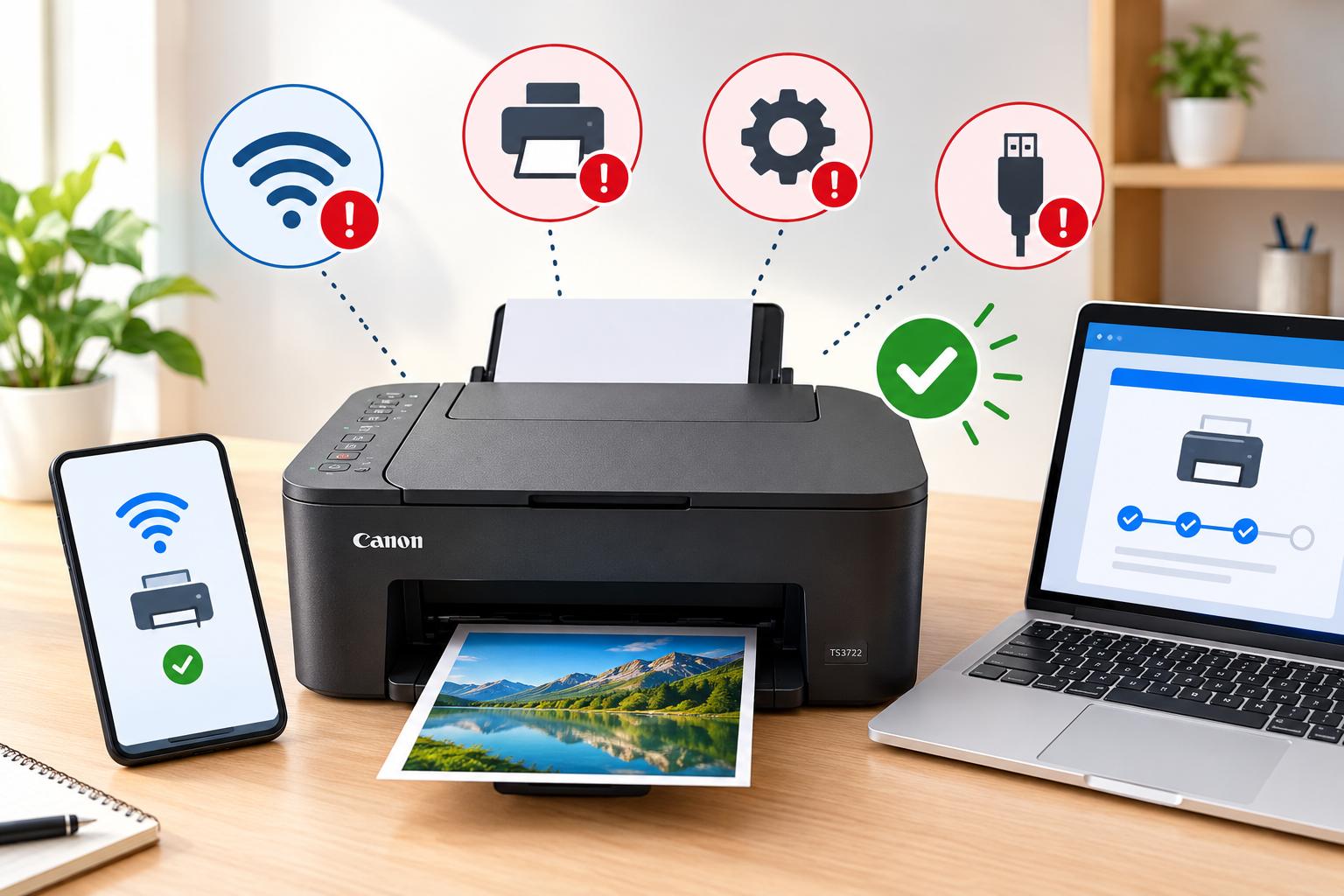
How to Fix Common Canon TS3722 Setup Problems?
The Canon PIXMA TS3722 is a wireless all-in-one printer designed for everyday printing, scanning, and copying. However, users may sometimes experience problems while connecting the printer to Wi-Fi, installing drivers, connecting to a computer, or completing the initial configuration. These issues can occur because of incorrect wireless settings, outdated software, network compatibility, or an incomplete…
Oct 14, 2026
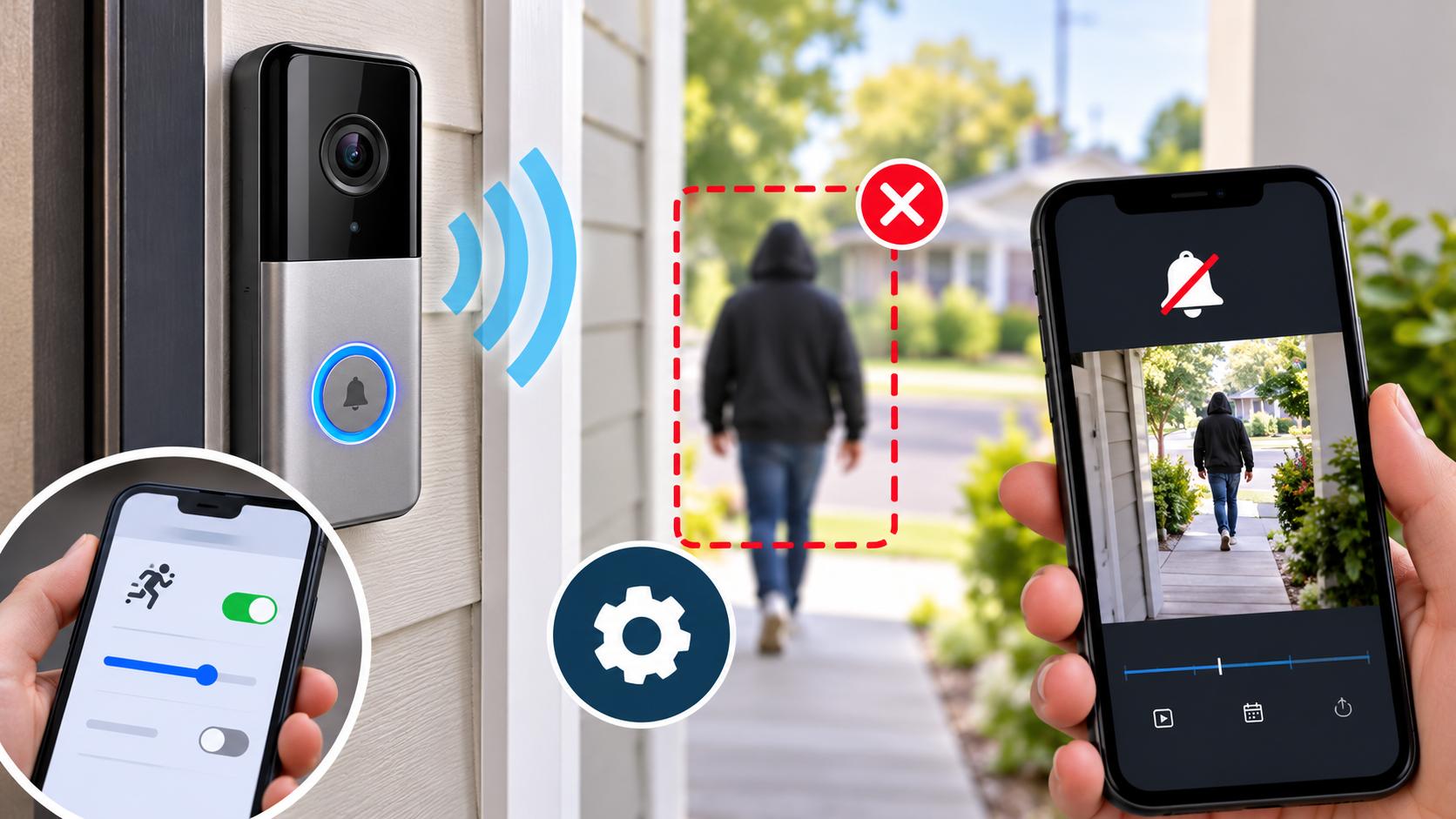
How to Fix Lorex Doorbell Camera Motion Detection Problems?
A Lorex Doorbell Camera helps you monitor your front door, detect visitors, and receive alerts when movement occurs. However, motion detection may sometimes stop working, send notifications late, or fail to detect people approaching your home. These problems can happen because of incorrect motion settings, weak Wi-Fi connectivity, outdated firmware, or an unsuitable camera position.…