How to Fix TP-Link Deco Flashing Blue After Power Outage
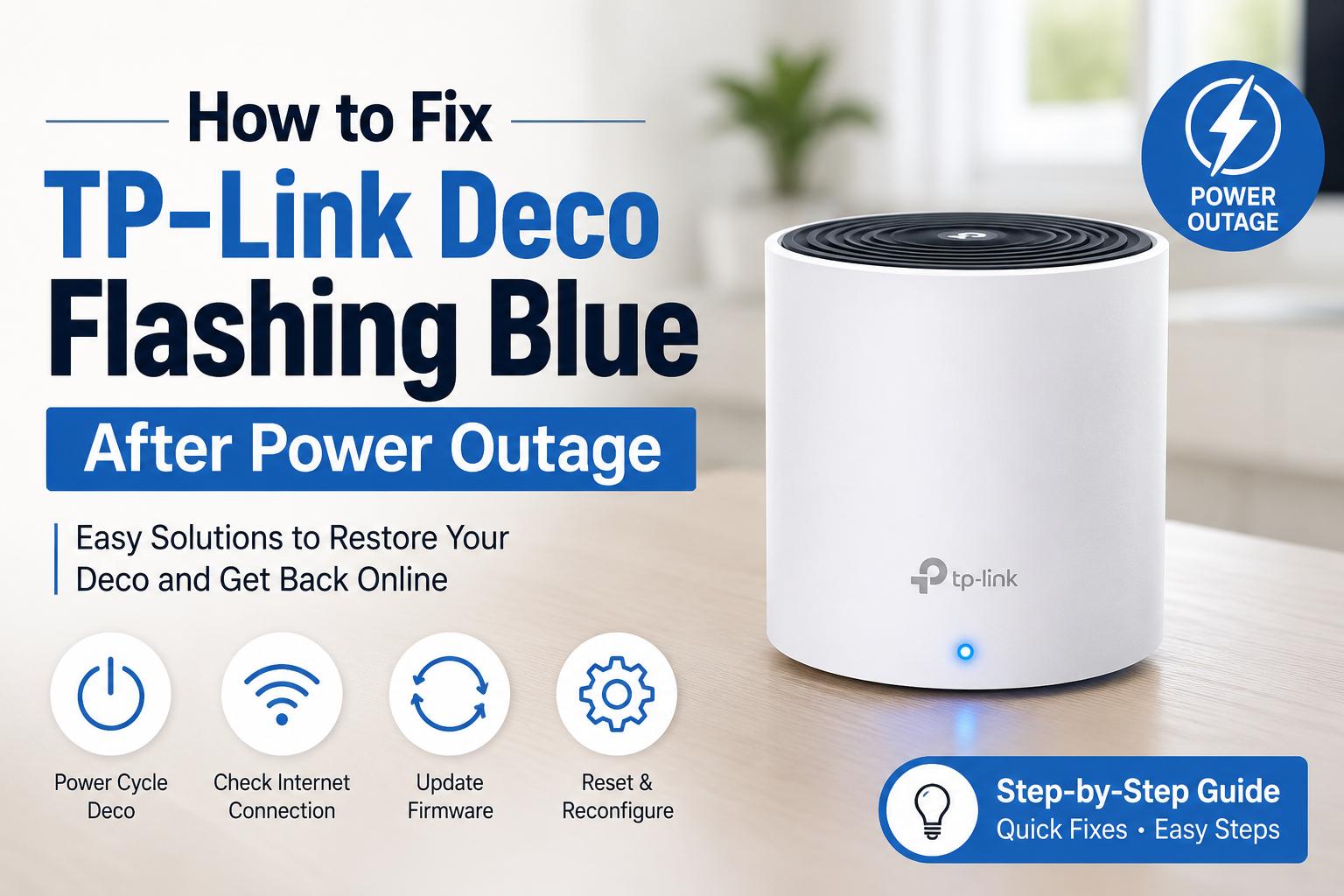
If your deco flashing blue after a power outage, it usually means the Deco is waiting to connect or complete setup. Restart the modem and Deco, check the internet cable and access the tplink deco login address to verify the network settings.
On this page
Table of Contents
On this page
Table of Contents
A power outage can leave your internet devices confused. One common problem is seeing your deco flashing blue or deco blinking blue after the electricity comes back.
The good news? Most of the time, this is not a hardware failure. It is usually a connection issue that you can fix in a few minutes.
This guide explains why it happens, what the blue light means and the easiest ways to get your TP-Link Deco working again. Every step is simple, so you do not need to be a tech expert.
What Does Deco Flashing Blue Mean?
A deco flashing blue light means your TP-Link Deco is ready for setup or is trying to establish a connection. Normally, after restarting, the light should change to solid green or solid white (depending on your Deco model). If it keeps blinking blue for several minutes, something is discontinuing it from connecting properly.
You may also notice:
- Deco blinking blue after power outage
- TP-Link Deco not connecting to internet
- Deco stuck on blue light
- WiFi network not showing
- Internet unavailable on all devices
When Does Deco Flashing Blue Happen and Why?
When?
Why It Happens
After a power outage
The Deco restarted before the modem connected to the internet.
After unplugging cables
Ethernet cable may be loose or damaged.
During first setup
The Deco is waiting for configuration.
After factory reset
The router needs to be set up again.
Firmware issue
The system may not have started correctly.
ISP outage
Your internet service is still down.
How to Fix Deco Flashing Blue After Power Outage?
1. Restart Everything in the Right Order
This is the easiest fix. Follow this order:
- Turn off the modem.
- Turn off every Deco unit.
- Wait for 2 minutes.
- Turn on the modem first.
- Wait until the modem is completely online.
- Turn on the main Deco.
- Finally, power on the other Deco units.
Many users fix the deco blinking blue problem with this simple restart.
2. Check the Ethernet Cable
A loose cable can stop the Deco from getting internet.
Make sure:
- Cable is plugged in firmly.
- Cable is not damaged.
- WAN port is connected correctly.
- If possible, try another Ethernet cable.
3. Check Your Internet Connection
Sometimes the problem is not with the Deco. Connect a laptop directly to the modem. If there is no internet, contact your ISP because the outage may still be affecting your service.
This is one of the most common reasons behind TP-Link Deco internet not working after power outage.
4. Open the TP-Link Deco Login
If the hardware looks fine, check your network settings. Use the tplink deco login address from your browser or open the Deco mobile app.
From there, you can:
- Check internet status.
- Verify WAN settings.
- Update firmware.
- Restart the system.
- Check connected devices.
If you recently changed your ISP settings, update them here.
5. Update the Firmware
Old firmware can sometimes cause startup issues. Open the Deco app and check if a firmware update is obtainable. Installing the latest version can improve stability and fix unexpected connection problems.
Yes. It is normal during setup or while trying to connect.
Can a power outage damage Deco?
Usually no. Most issues are temporary.
Should I reset immediately?
No. Try restarting first. Reset only if other fixes fail.
Can firmware fix the issue?
Yes. Updates often solve startup bugs.
How can I prevent this problem?
Use a UPS or surge protector to protect your networking devices from sudden power loss.
Frequently Asked Questions
Why is my Deco blinking blue after a power outage?
A deco blinking blue light usually means the device is waiting to reconnect or complete its setup. This often happens because the modem was not entirely online when the Deco started. Restart both devices in the correct order to restore the connection.
How long should the Deco flash blue?
Normally, the blue light should blink only for a few minutes during startup or setup. If your deco flashing blue continues for more than 10 minutes, there is likely a connection, configuration or internet issue that needs troubleshooting.
What is the TP-Link Deco login address?
The tplink deco login address is used to access your Deco settings through a browser or the Deco app. From there, you can check your internet connection, update firmware, restart the network and manage your WiFi settings.
Does flashing blue mean my Deco is broken?
No. A flashing blue light does not usually mean the hardware is damaged. In most cases, the Deco is simply waiting for an internet connection or setup. Restarting the modem and Deco often fixes the issue without changing the device.
Should I reset my Deco if it keeps blinking blue?
Resetting should be your last option. First, restart the modem, inspect the cables, check your ISP connection and update the firmware. If the Deco stuck on blue light problem still remains, then perform a factory reset and configure the network again.
Final Thoughts
Comments
0 comments
No comments yet. Be the first to comment.
Related Articles
Oct 14, 2026
How to Fix Common Canon TS3722 Setup Problems?
The Canon PIXMA TS3722 is a wireless all-in-one printer designed for everyday printing, scanning, and copying. However, users may sometimes experience problems while connecting the printer to Wi-Fi, installing drivers, connecting to a computer, or completing the initial configuration. These issues can occur because of incorrect wireless settings, outdated software, network compatibility, or an incomplete…
Oct 14, 2026
How to Fix Lorex Doorbell Camera Motion Detection Problems?
A Lorex Doorbell Camera helps you monitor your front door, detect visitors, and receive alerts when movement occurs. However, motion detection may sometimes stop working, send notifications late, or fail to detect people approaching your home. These problems can happen because of incorrect motion settings, weak Wi-Fi connectivity, outdated firmware, or an unsuitable camera position.…