Why Is My Orbi Flashing White? Causes and Easy Solutions
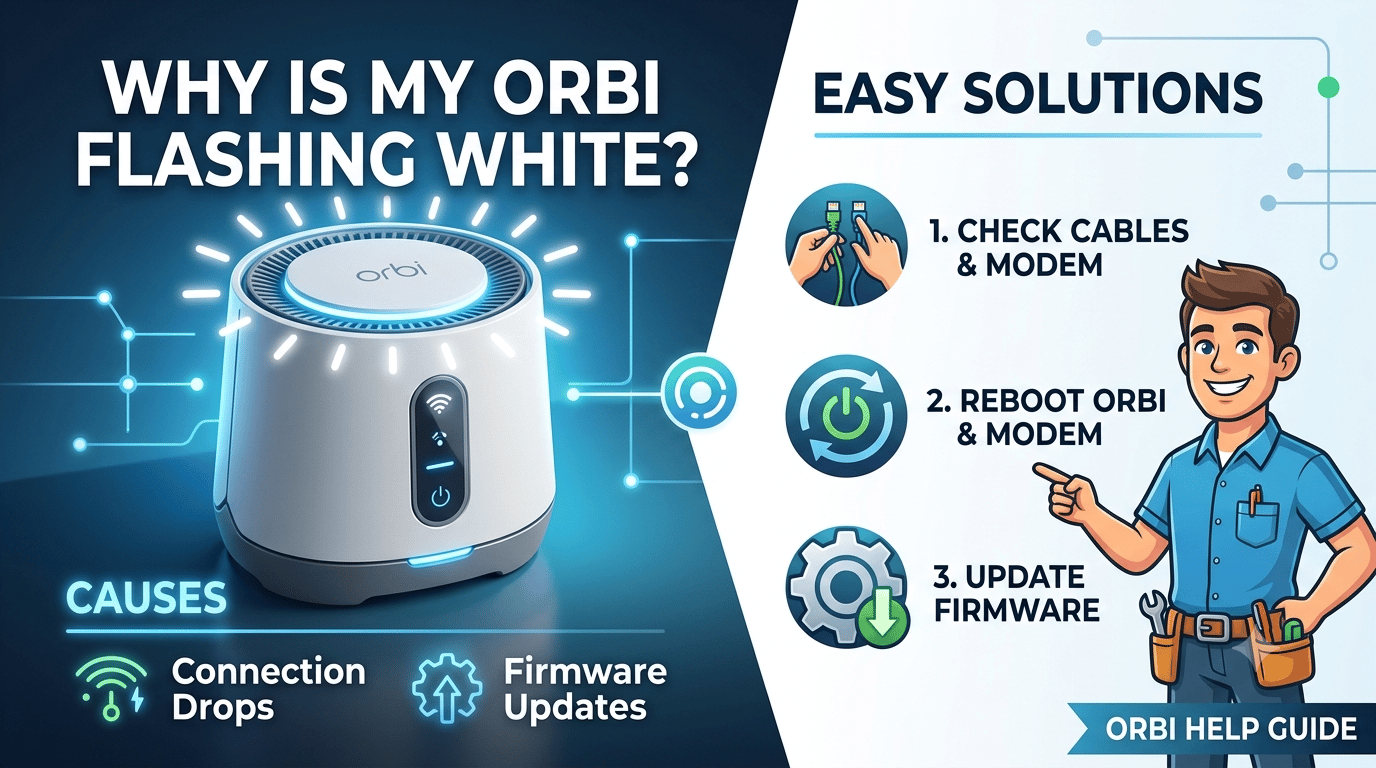
If your orbi blinking white or showing an orbi flashing white light, it usually means the router is starting up, syncing or updating. If the white light keeps blinking for a long time, there may be a setup, internet or firmware issue.
On this page
Table of Contents
On this page
Table of Contents
It can be confusing to see your Orbi router blinking white. Many consumers assume the router is broken. However, that isn’t always the case. A white blinking light is typically your Orbi attempting to connect or start. Sometimes, it can also refer to a setup difficulty, internet outage or software issue.
The most of these issues are simple to resolve. In this post, you’ll understand why your orbi blinking white, what it indicates and the easiest solutions to solve it.
What Does the Orbi Flashing White Light Mean?
An orbi flashing white light usually means the router is busy.
It may be:
- Starting up after being powered on.
- Syncing with an Orbi satellite.
- Installing a firmware update.
- Resetting or restarting.
- Trying to complete the setup process.
Normally, the white light disappears after a few minutes. If it keeps flashing for more than 5-10 minutes, something is stopping the router from working properly.
When Should You Worry About an Orbi Blinking White?
You don’t need to worry if the white light blinks for only a few minutes.
You should troubleshoot if:
- The white light keeps blinking for over 10 minutes.
- Your internet is not working.
- The Orbi app cannot find the router.
- You cannot access the Netgear Orbi Login page.
- Your devices cannot connect to WiFi.
These signs usually mean the router needs a quick fix.
Why Is My Orbi Blinking White?
There are several reasons behind the orbi blinking white issue.
The router is starting up.
- Every time you power on your router, it flashes white while loading the OS.
Firmware Update Is Running
- Your router may be installing a new software update. Avoid unplugging it while doing this.
Issues with the Internet Connection
- If the modem is offline orbi may continue flashing while waiting for an internet connection.
The setup is incomplete.
- A new Orbi router may keep blinking white until the installation ends.
Problem with Satellite Sync
- The router may occasionally continue to blink as a result of the Orbi satellite failing to connect.
Firmware Error
- The router may become stuck with a blinking white LED if the upgrade is unsuccessful.
Hardware Issue
- Rarely, the issue may be caused by faulty hardware or power problems.
How Can You Fix the Orbi Flashing White Light?
Try these simple solutions one by one.
Restart Your Orbi Router
- Switch off your router.
- Give it a minute or so.
- Switch it back on.
- After a reboot, many transient problems go away.
Verify the connection to the internet.
- Make sure your modem is functional.
- First, restart the modem.
- Then restart the Orbi router.
This frequently resolves problems with Orbi’s internet connection.
Finish the setup
- If your router is new, perform the setup using the Orbi app or browser.
- The white light may continue to flash if the installation is not complete.
Firmware update
- Go to the Netgear Orbi Login page.
- Verify whether there is a firmware update available.
- Install the most recent version.
- Updated firmware improves stability and fixes bugs.
Verify the Cable Connections
- Communication might be disrupted by loose power or Ethernet wires.
- Reconnect every cable securely.
- If necessary, replace any broken cables.
Sync the Orbi Satellite Again
- Press the Sync button on the router.
- Next, push the satellite’s Sync switch.
- Await the reconnection of both devices.
Many Orbi satellite sync issues are resolved by doing this.
What Troubleshooting Steps Should You Try Before Resetting?
Before the execution of factory reset, try these quick checks.
- Restart the modem and router.
- Wait at least 10 minutes after powering on.
- Check for internet outages.
- Verify all cables are connected properly.
- Disconnect extra devices.
- Try accessing the router from another phone or laptop.
- Make sure the Orbi router setup completed successfully.
Most users solve the problem without resetting the device.
Is the Orbi Flashing White Light Dangerous?
No. A blinking white light is not harmful. It simply tells you the router is working on something. Only when it keeps blinking for a long time should you start troubleshooting. Most cases are fixed with a restart, firmware update or setup check.
What Tips Can Help Prevent the Orbi Blinking White Issue?
Follow these modest tips to avoid future problems.
- Keep your firmware updated.
- Avoid unplugging the router during updates.
- Restart the router once every few weeks.
- Place the router in a cool, open space.
- Use the original power adapter.
- Check cables regularly.
- Complete the Orbi WiFi setup correctly.
- Keep your modem firmware updated as well.
These small habits help keep your mesh WiFi system running smoothly.
Frequently Asked Questions
Why is my Orbi blinking white for a long time?
A long-lasting orbi blinking white light usually means the router is stuck during startup, firmware update or internet connection. Restart the modem and router first. If the problem continues, check firmware updates or perform a factory reset.
How long should the Orbi flashing white light last?
Normally, the orbi flashing white light stays on for only two to five minutes while the router starts. If it continues beyond ten minutes, there is likely a setup, firmware or connection issue that needs troubleshooting.
Comments
0 comments
No comments yet. Be the first to comment.
Related Articles

Sep 21, 2026
Lorex Camera Blinking Red Light? Easy Troubleshooting Guide
If your Lorex Camera Blinking Red Light issue is preventing the camera from connecting or working properly, the light may indicate a power, network, setup, or connection problem. The exact meaning of a red blinking light can vary by Lorex camera model, so check your model’s manual for the specific LED behavior. This guide explains…

Sep 10, 2026
How to Automate Workflows with AI: A Step-by-Step Guide
To automate a workflow with AI, map your current process first, identify where decisions actually get made, then choose a no-code builder, API-based setup, or managed provider based on your team’s technical skill. Add machine learning or generative AI only where judgment is genuinely needed, keep a human checkpoint at the first version, and measure…